|
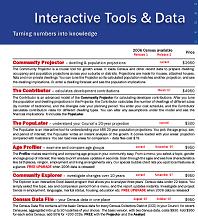
Our interactive planning tools let you delve into Census data for your area to understand and report on the deeper characteristics and changes found.
Interactive Tools work in Excel and require no special skills. They have pop-up menus that let you change parameters such as the topic, age-group or period you are investigating. As soon as you do, the on-screen report updates to describe the chosen topic. Ready to print or cut-and-paste.
Common specifications
Our Interactive Tools are written in the language Visual Basic and operate in Excel. You simply load the tool's ".xls" file, and it opens showing you a ready-to-print report.
You open a menu to access options. When you change these, the report updates. At any time you can print the report or parts of it, or publish it as a PDF.
When finished, just close Excel as normal. You can save your last settings or not.
Email us to get an interactive sample of any product. Pricing is on the Order Form.
Your Excel security setting needs to allow macros to run, for the interactivity to work.
|